- Kumar's Blog/
- News/
- Linux Mint 27 'Adrien' Arrives This Christmas With Full Wayland Support and New Core Apps/
Linux Mint 27 'Adrien' Arrives This Christmas With Full Wayland Support and New Core Apps

Table of Contents
Linux Mint has stirred things up in a major way. After years of following a predictable six-month release cycle with alphabetical girls’ names, the project has officially shifted gears.
Moving forward, users will see one major release every year with no point releases in between, named sequentially using boys’ names.
Built on top of the Ubuntu 26.04 LTS base and backed by a five-year support period. Linux Mint 27 “Adrien” slated for release around Christmas Eve, this update packs some of the most ambitious changes the desktop environment has seen in years.
Here is a detailed breakdown of what is landing in your Christmas stocking.
1. Wayland Is Finally Ready for Prime Time #
Both X11 and Wayland will be fully supported in the upcoming Cinnamon release, with Wayland performance now sitting nearly level with X11.
Windows and menus map properly, focus stealing is prevented, and crashes across Cinnamon, Muffin, cinnamon-session, and Xwayland have been addressed.
Multi-monitor setups and KVM switches are fully supported, and hardware acceleration gets a boost with GBM over EGL for NVIDIA cards alongside HiDPI scaling for cursors and Chromium-based apps like Slack and VS Code.


The final piece of the puzzle was the screensaver. The new screensaver is rendered directly by the compositor and managed by Cinnamon rather than a separate process, ensuring seamless operation across both Wayland and X11.
2. Desktop Upgrades and File Management #
Nemo File Manager Gets a Preview Pane #
The default file manager, Nemo, gains a built-in preview pane that can be toggled using the F7 key or directly from the status bar.
It handles media files like audio, pictures, and video while displaying detailed metadata such as camera models and capture dates.

Interactive search also gets an upgrade, turning into a real-time filtered view that narrows down results as you type rather than just jumping to the first match.

Dedicated Screenshot Utility #
Cinnamon finally gets a dedicated screenshot tool. It supports capturing single windows (with or without shadows), multi-monitor layouts, or specific regions. Cropping tools are built right in before saving or copying to the clipboard.
Library Redesign (Thingy) #
The desktop document manager, Thingy, gets a redesign that groups recent files by document type instead of the application used to open them.
A customizable sidebar lets you reorder or hide groups, and you can define custom categories based on file types and directories.

3. System and Installer Changes #
A Unified Live Installer #
Linux Mint is moving away from Ubiquity, adopting the modern live installer already used in Linux Mint Debian Edition (LMDE). The new installer streamlines OEM installations, BIOS/EFI handling, Secure Boot, and advanced LVM or LUKS disk setups.
The Return of Hibernation #
After being dropped upstream by Ubuntu, hibernation makes a welcome return via a new “Sleep Modes” section in the System Administration tool.

The panel also introduces Hybrid Sleep (which suspends to RAM while writing the session to disk) and Suspend-then-Hibernate (which switches to hibernation if battery levels hit critical thresholds).
Centralized Kernel Management #
Kernel management has been pulled out of the Update Manager and integrated into the System Administration tool for both Mint and LMDE.
You can track specific kernel series, configure retention rules for older kernels, and let automated weekly cleanups handle the maintenance.
4. Brand New Core Applications #
Linux Mint 27 introduces several new in-house XApps designed to reduce dependency on GNOME infrastructure:
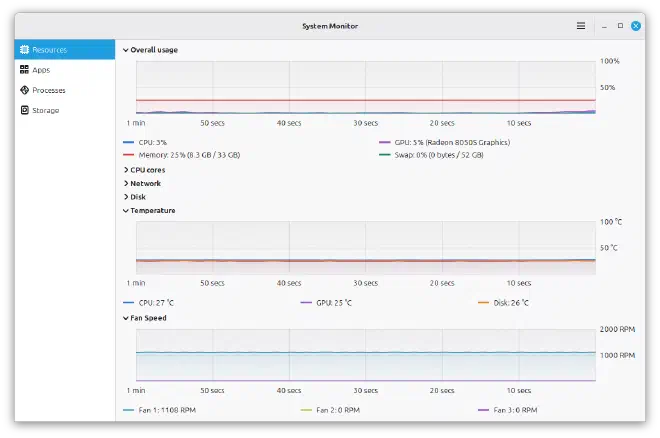
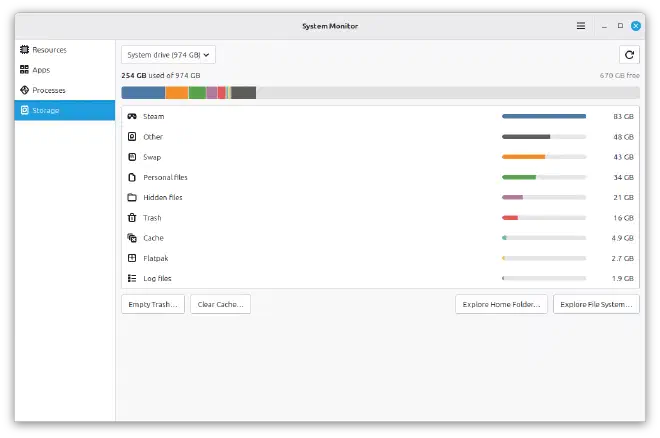
- Superlight: A fresh system monitor tracking CPU load, memory, swap, GPU usage, network traffic, disk I/O, fan speeds, and temperatures, alongside a dedicated battery status page.
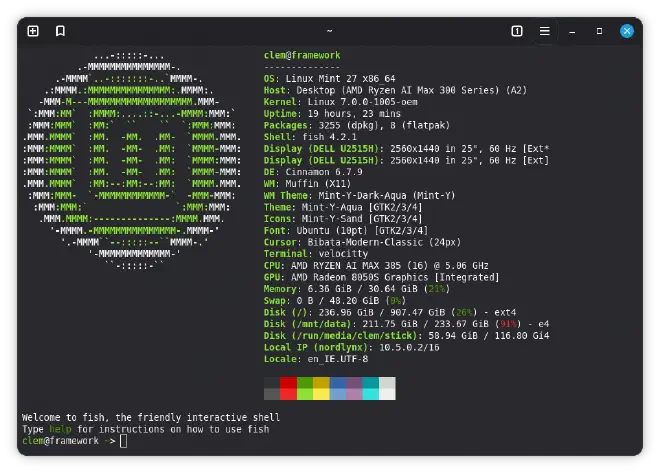
- Velocitty: A modern default terminal emulator featuring tab overviews inspired by Ghostty and Ptyxis, customizable color palettes, and process-aware tab color coding.
- Xepub: A dedicated EPUB ebook reader with chapter navigation, bookmarks, zoom controls, and configurable online dictionary lookup engines.

- Calendar & Clocks: A new suite from the Clockenstein project. The Calendar app syncs with local databases, Google Calendar, and CalDAV servers like Nextcloud. Clocks brings an Android-inspired alarm and timer system with custom recurring sounds.

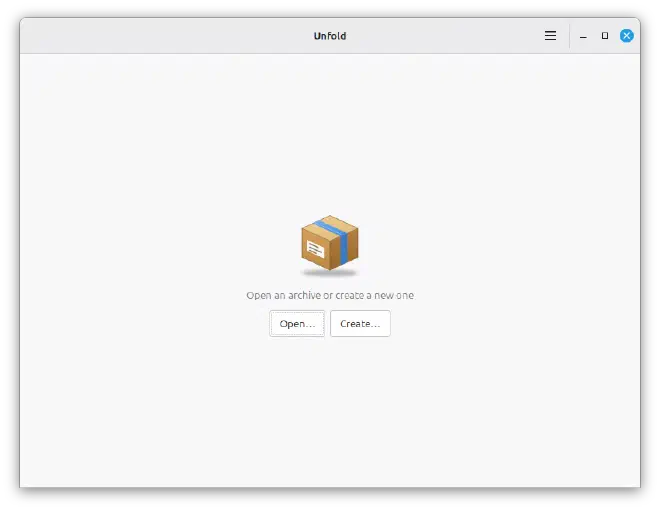
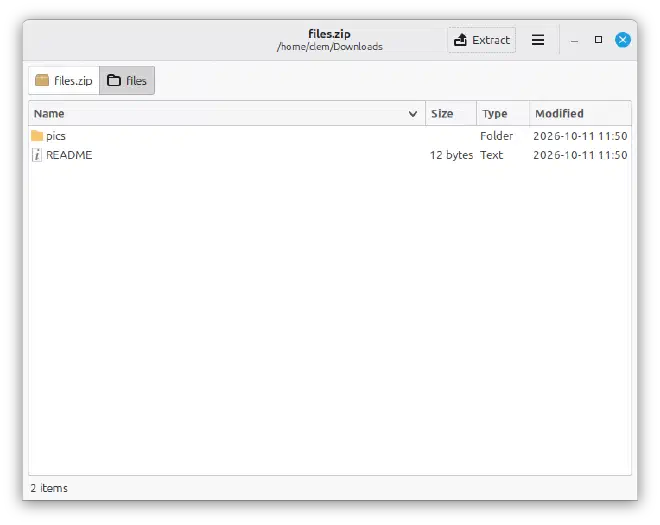
- Unfold: A lightweight archive manager backed by 7zip and 7zip-RAR for handling compressed and password-encrypted archives.


5. Miscellaneous Improvements #
Before release day arrives, a few smaller enhancements are rounding out the feature set:
- Native WPA3 and OWE Wi-Fi security support in Cinnamon.
- Fingerprint login support in Slick Greeter without requiring an extra Enter keystroke.
- An automated “Sensors” page in System Reports.
- A comprehensive Mint-Y theme refresh featuring improved dark mode contrast, rounded window frames, and refined list views.
When Can You Download It? #
Linux Mint 27 “Adrien” is targeted for release around December 24, 2026, and will be available in Cinnamon, MATE, and Xfce editions. Until then, adventurous users can pull and build components directly from source.